
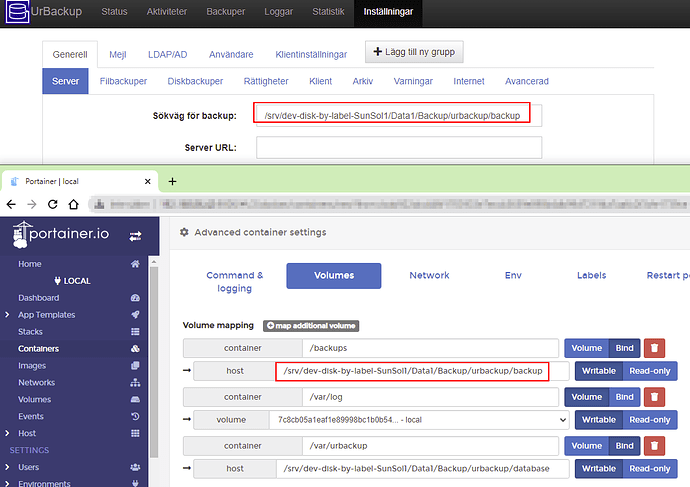
What is UrBackup?
UrBackup is a free and open-source backup software that provides a comprehensive solution for data protection and disaster recovery. It is designed to be highly customizable and scalable, making it an ideal choice for businesses of all sizes. With UrBackup, users can create backups of their files, folders, and even entire systems, and store them locally or offsite.
Main Features
Some of the key features of UrBackup include:
- Image and file backups
- Incremental and differential backups
- Encryption and compression
- Offsite backup capabilities
- Retention policies and automated cleanup
Installation Guide
System Requirements
Before installing UrBackup, ensure that your system meets the following requirements:
- Windows, macOS, or Linux operating system
- At least 2 GB of RAM
- At least 10 GB of free disk space
Installation Steps
To install UrBackup, follow these steps:
- Download the UrBackup installer from the official website.
- Run the installer and follow the prompts to select the installation location and options.
- Once the installation is complete, launch UrBackup and configure the settings as desired.
Technical Specifications
Backup Types
UrBackup supports several types of backups, including:
- Full backups: Complete backups of all selected files and folders.
- Incremental backups: Backups of only the changes made since the last full backup.
- Differential backups: Backups of all changes made since the last full backup.
Encryption and Compression
UrBackup provides encryption and compression options to secure and reduce the size of backups.
Encryption options include:
- AES-256 encryption
- SSL/TLS encryption
Compression options include:
- Gzip compression
- LZMA compression
Offsite Backup Strategy with Retention Policies
Why Offsite Backup is Important
Offsite backup is crucial for disaster recovery and business continuity. By storing backups offsite, you can ensure that your data is safe in the event of a disaster or data loss.
Retention Policies
UrBackup allows you to set retention policies to automatically clean up old backups and free up storage space.
Retention policy options include:
- Keep all backups for a specified period
- Keep only the latest backup
- Keep a specified number of backups
How to Verify Restore Points
Why Verify Restore Points?
Verifying restore points ensures that your backups are complete and can be restored in case of a disaster.
Steps to Verify Restore Points
To verify restore points in UrBackup, follow these steps:
- Launch UrBackup and navigate to the restore point you want to verify.
- Click on the